Congratulations, Michelle!
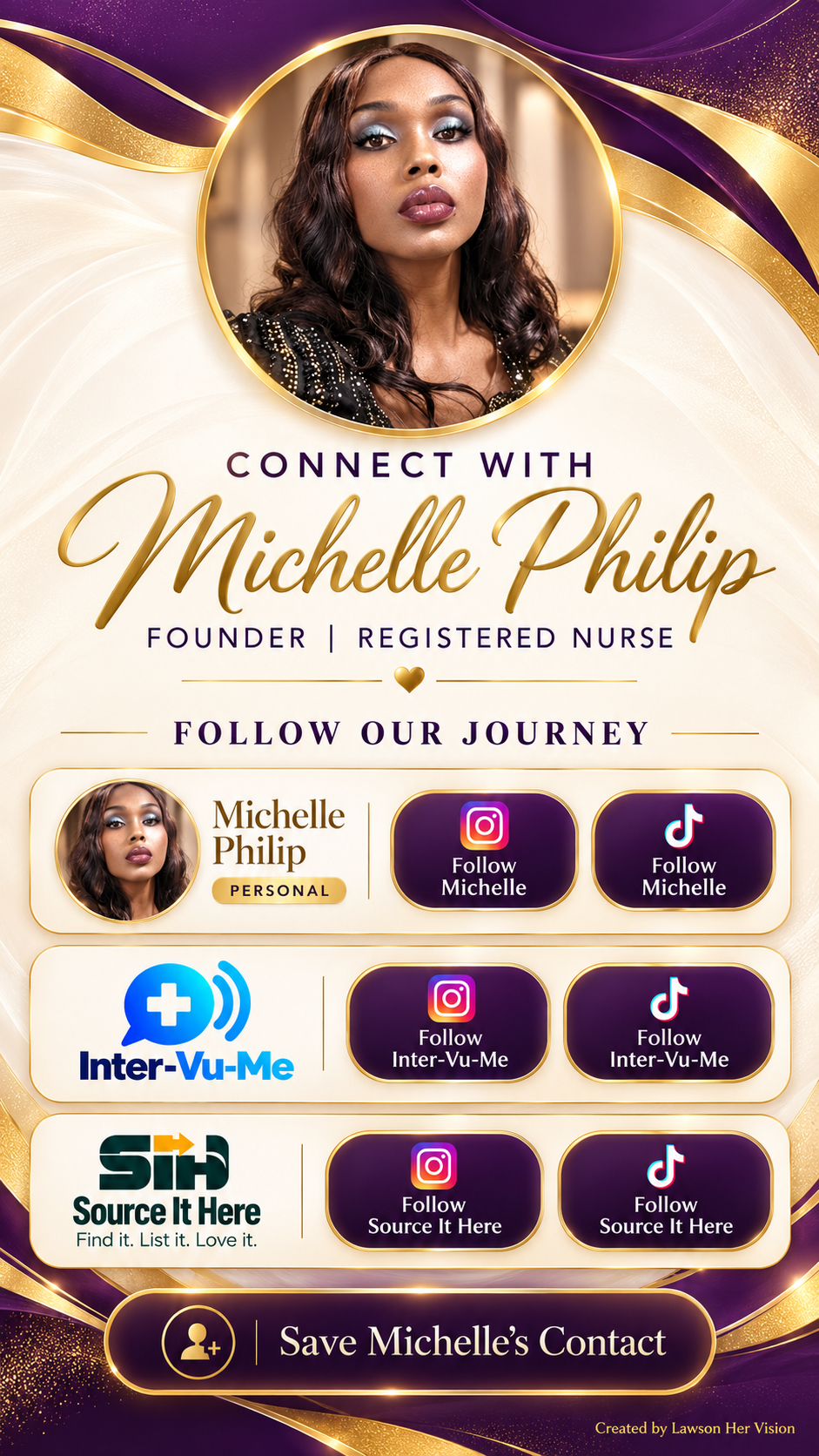
Your two businesses are launching — Inter-Vu-Me and Source It Here. To celebrate, LHV has gifted you this feature: your own digital business card, made for you to connect with anyone you meet, anywhere.
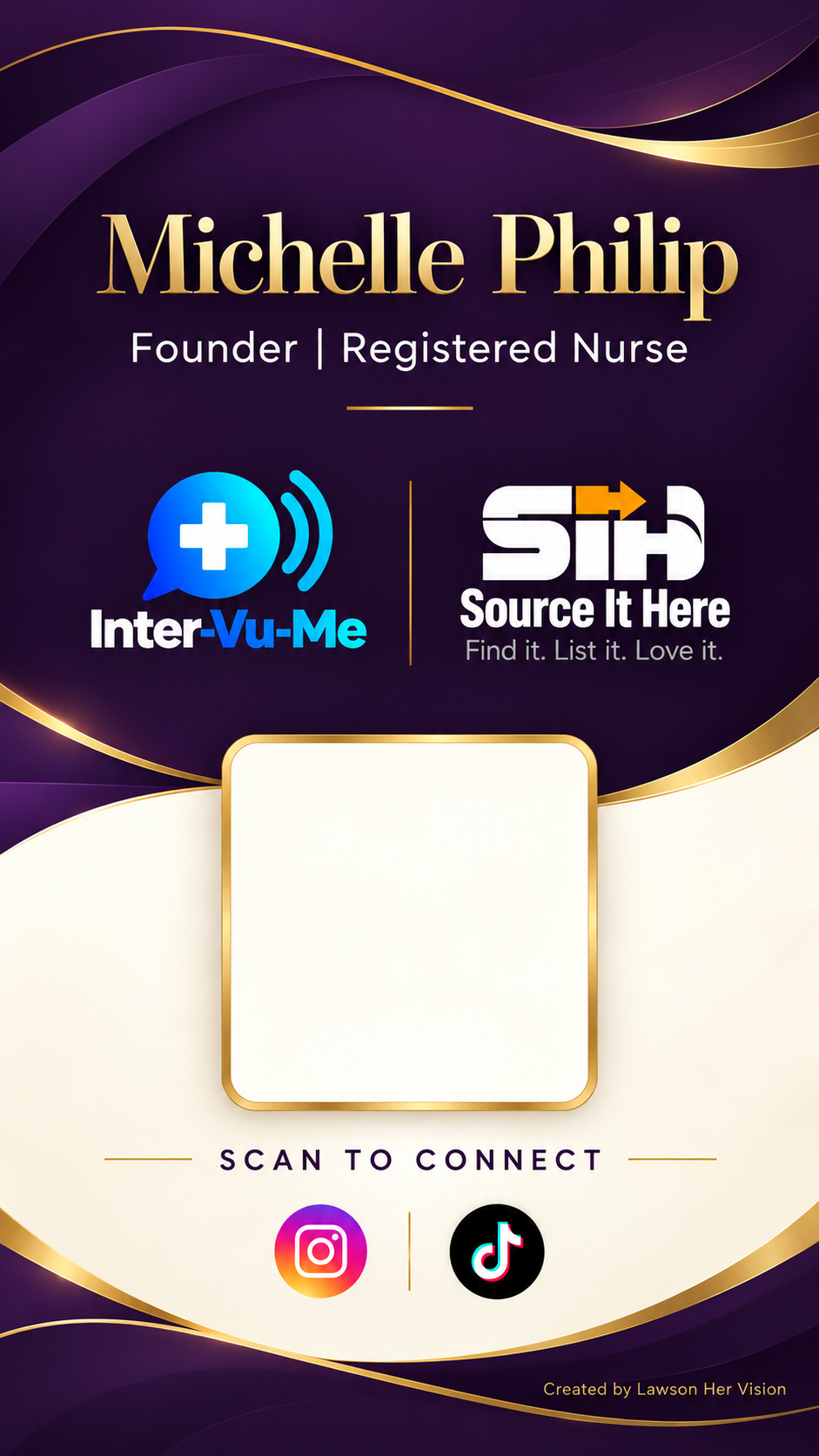
One tap opens your card. Your QR code sits in the middle. Someone points their camera at it and your details are in their phone in seconds — no printing, no typing, nothing to install.

https://lawsonhervision.com/michelle-connect
1. Put it on your phone
Two minutes, one time only. Then your card is always one tap away.
On an iPhone
- 1Open this link in Safari.
- 2Tap the Share button — the square with an arrow pointing up.
- 3Scroll down and tap “Add to Home Screen”.
- 4Tap “Add”. Your card now sits on your phone like an app.
On an Android
- 1Open this link in Chrome.
- 2Tap the three dots (⋮) at the top right.
- 3Tap “Add to Home screen” — or “Install app”.
- 4Tap “Add”. Your card now sits on your phone like an app.
2. How someone gets your details
You do nothing except show your screen. They do the rest.
- 1Tap your new card icon on your phone. Your card opens with your QR code in the middle.
- 2Someone points their phone camera at your QR code.
- 3A link pops up on their screen. They tap it.
- 4Your connect page opens. They tap “Save my contact” — your name, number, emails and websites go straight into their phone.
It works on every iPhone and Android. Nothing to download, nothing to print, no app for them to install.
Your private PIN
131226
Keep this to yourself. If you ever want to change your phone number, your emails or your social links, open your edit page, type this PIN, and change what you like. Everything updates straight away — nothing else on your card moves.
Open my edit page